Christmas photos, minus the matching-sweater argument.
Send us a few selfies. Get fireside, snowy and studio-red holiday photos of you — in about the time it takes to wrap a gift.
Sharing a holiday photo this year? Shoot early — it's ready in minutes.



How AI Christmas photos work
Upload a few selfies and PixelGlow makes about 20 holiday photos of you: fireside, snowy outdoors, studio red, tree lights, Christmas morning and a holiday party. No props, no photographer, no group schedule to wrangle. They're ready in minutes, for a card, a profile photo or a post.
The right red for you
Christmas red isn't one color. Deep Winters glow in true red and emerald; Soft Autumns look better in soft brick and cream. Every shoot follows your color season, so the holiday colors actually suit you.
Deep Winter paletteSoft Autumn paletteFind your season — free
Six scenes in every holiday shoot
About 20 photos across all six. Outfits follow your color season, so the red actually suits you.
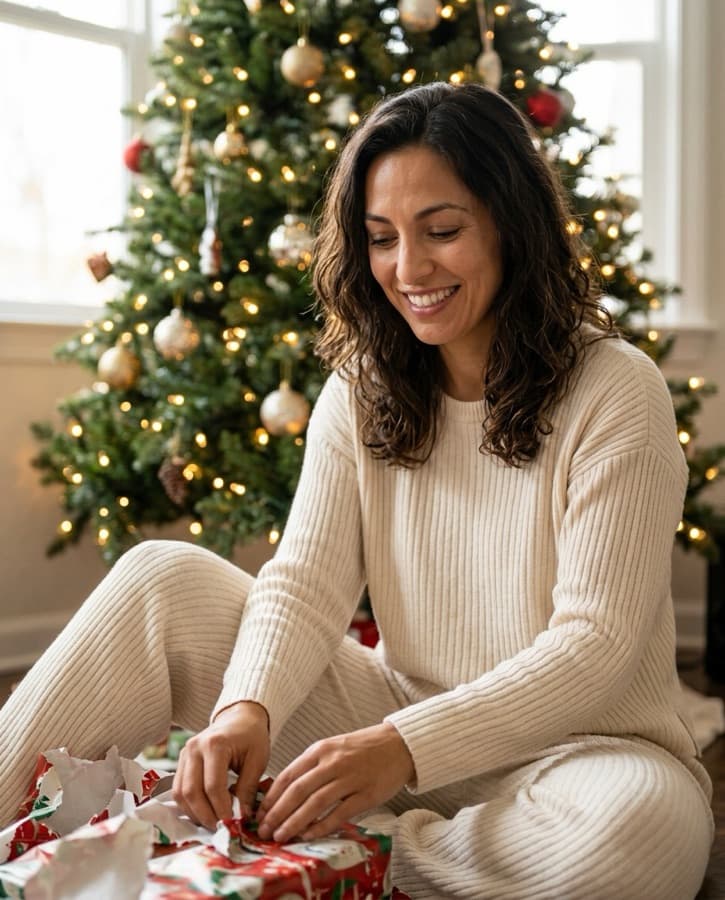


Solo
6–12 selfies. The easy one for a festive profile photo or a holiday post from you.
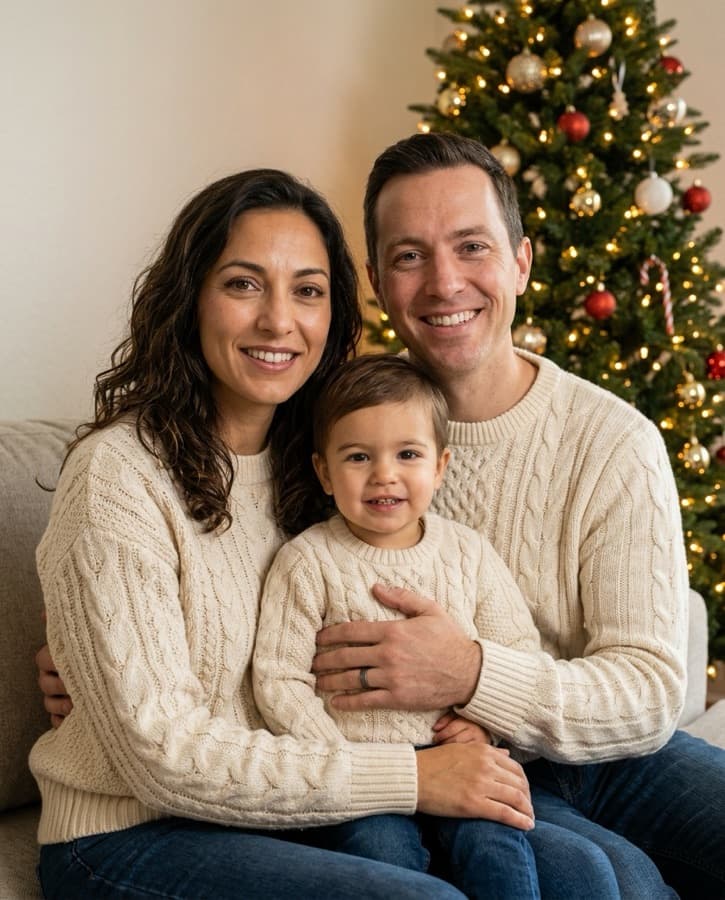
Family
Everyone in one frame, everyone looking at the camera.
AI Christmas photos, answered
You upload 4–12 selfies (six or more works best). We use them as references to make about 20 photos of you across six holiday scenes, with outfits in your color season. Photos appear in your dashboard in minutes.
Family shoots are coming soon — join the list on the home page. Today the Christmas pack is for solo photos.
They’re great on screen and for social posts. Paid photos download with no watermark.
A 20-photo Christmas shoot uses 20 credits. Starter is $19 for 40 credits. No subscription.
Used to make your shoot, then kept in your dashboard until you delete them. Deleting wipes them from our servers for good.